
Study Build

eSource / Blinded eCRF

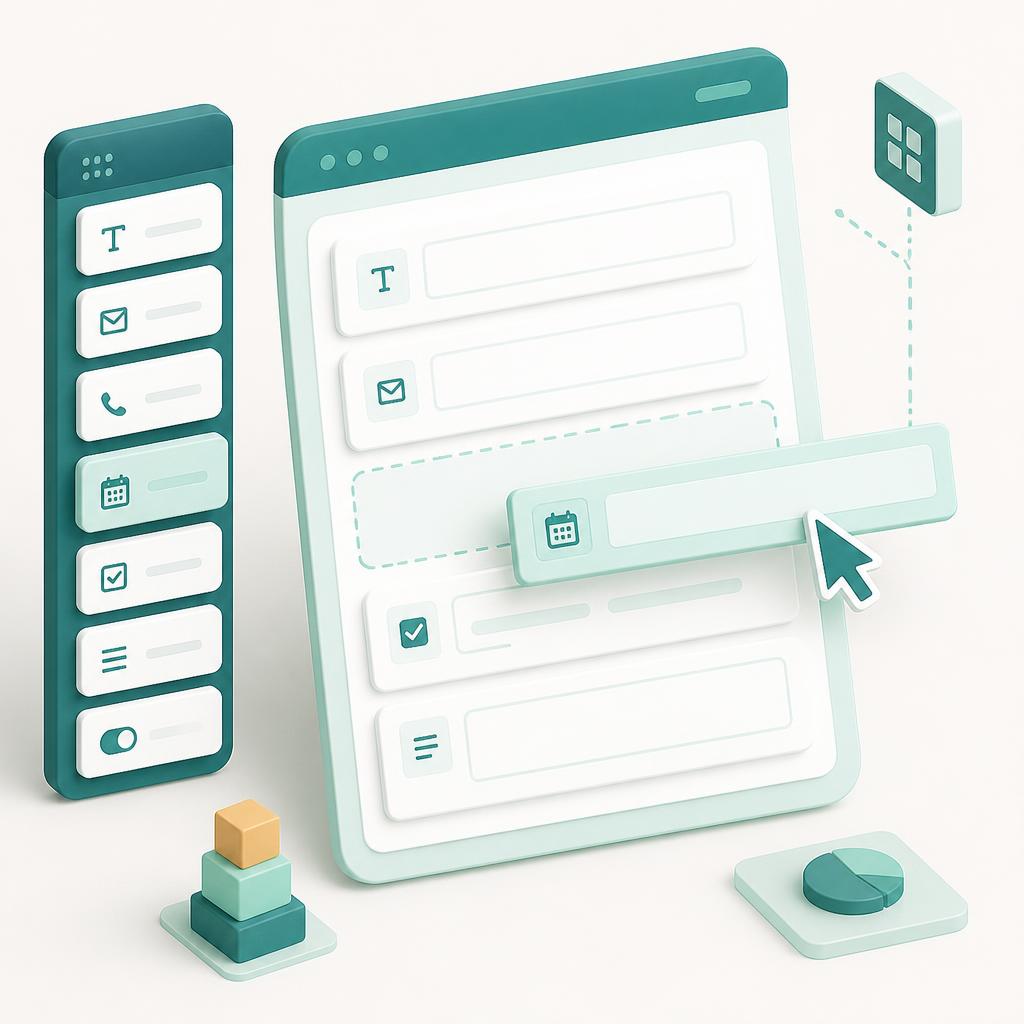
ProCTTH collapses eSource and eCRF into a single, no-code data layer. Sites capture source data once at the point of care with a drag-and-drop form builder — no transcription, no double entry. That very same record instantly acts as a blinded eCRF for everyone external to the site (CRA, CDA, CDM, sponsor, and CRO), with patient identity information and documents completely hidden. One source of truth, clean data, and the blind protected by design.
Built forSubjectInvestigatorCRC CRA
Study Build

What you get

See eSource / Blinded eCRF live

Book a tailored walkthrough and we'll show esource / blinded ecrf configured around your protocol.

SubjectInvestigatorCRCCRA
eSource makes the first record of every data point electronic, eliminating the paper-to-system transcription step that drives queries and SDV burden. The CRC builds forms with drag-and-drop on desktop — skip logic, range checks, edit checks — and captures data at the point of care on desktop or tablet. Here is the zest of ProCTTH: the exact same source record acts as an eCRF to every role external to the site — CRA, CDA, CDM, sponsor, and CRO — with no re-entry and no separate build. Role-based blinding ensures those external roles never see patient identity information or identifiable documents, so complete blinding to subject identity is preserved automatically while sponsors and CROs still get clean, monitorable, submission-ready data.

Study Build

eSource / Blinded eCRF

Purpose-built for hybrid & decentralized trials — one workflow across desktop and mobile.

Desktop for study teams, mobile for subjects

eSource / Blinded eCRF works across the ProCTTH hybrid platform — site staff (CRC, PI, CRA) work on the desktop web console, while subjects access the study from the mobile app.

Desktop console

CRC · PI · CRA

Site staff (CRC/PI) design forms with the drag-and-drop builder and capture clinical data at the point of care with live validation. External roles (Sponsor, CRA, CDA, CDM) work the same records as a blinded eCRF on the web console — reviewing aggregated data, running edit checks, raising and resolving queries, and performing remote source data verification — always with patient identity fields and documents redacted.

Mobile app

Subject

Subjects contribute subject-reported outcomes and diary entries from the mobile app, which flow directly into the source record alongside wearable data — feeding the blinded eCRF without ever exposing their identity to external roles.

From setup to outcome

Build once, no code

The site designs source forms with drag-and-drop fields, conditional logic, and edit checks — the same build powers both eSource and the eCRF.

Capture at point of care

Site staff record clinical data on desktop or tablet during the visit; subject and wearable data flow into the same record.

Blind for external roles

Role-based blinding hides patient identity data and documents so CRA, CDA, CDM, sponsor, and CRO see a clean eCRF only.

Monitor & query remotely

External roles run SDV, automated edit checks fire, and queries are raised and resolved — with the blind intact and a full audit trail.

Common questions.

How can eSource and eCRF be the same thing?
The site captures source data once. That single record is presented to external roles as a blinded eCRF — no re-entry, no separate build, and one source of truth.
No. Forms are built with a drag-and-drop designer including conditional logic, validations, and edit checks — no coding required.
How is the blind protected?
Role-based blinding hides all patient identity information and identifiable documents from every role external to the site (CRA, CDA, CDM, sponsor, CRO), so they only ever see de-identified study data.
Yes. SDV, edit checks, and query management all run from the web console against the blinded eCRF for fully remote monitoring.

More in Study Build

Visit Schedule Setup

Design protocol-driven visit schedules with windows, dependencies, and automated subject assignment.